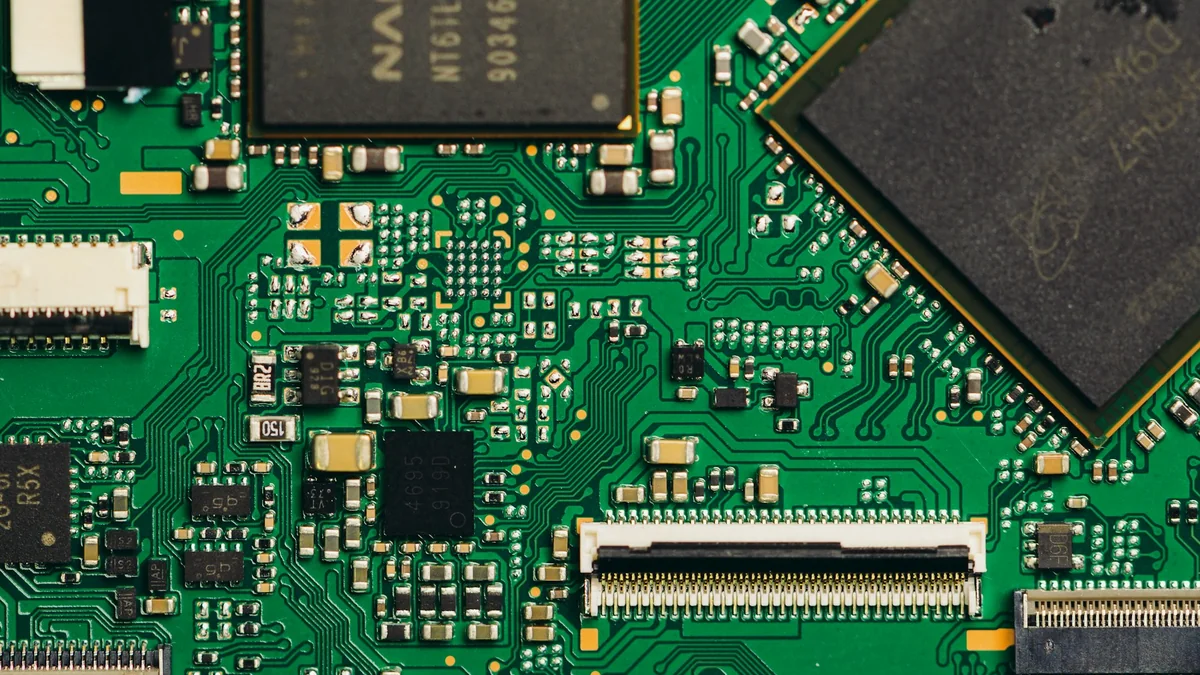
A returned PCBA is a symptom to investigate, not a diagnosis. Preserve the board's identity, configuration and as-received condition before cleaning, reprogramming or rework changes the evidence. This guide provides investigation prompts; it does not report a ranked failure dataset or measured improvements from customer programs.
Start with an as-received record
Record the board serial number, shipment lot, PCB and BOM revisions, firmware version, reported symptom and conditions under which it occurred. Photograph the board, connectors, enclosure and packaging as received. Record any work already performed by the customer. Identify which checks can be repeated without altering the unit and obtain approval before destructive analysis.
Compare the returned configuration with the released build package and original inspection and test records. A different firmware image, component revision or test limit can invalidate a comparison with a reference board. Use the release-package revision checklist to resolve configuration gaps first.
Connector and interconnect symptoms
Document the cable and mating connector used, retention method, mounting condition and whether the symptom changes with movement. Separate an observed intermittent connection from a proposed cause. Inspect accessible joints and mechanical supports, then agree which electrical or mechanical checks are needed. Do not assign a soldering defect solely because the product loses connection.
Temperature-dependent behavior
Record supply conditions, load, operating mode, enclosure configuration and ambient conditions when the issue appears. Note the measurement locations and instrument setup. Compare like-for-like configurations before attributing a change to the board. Any proposed thermal test needs product-specific limits and an approved method; a generic temperature or soak duration is not an acceptance criterion.
Firmware and configuration mismatch
Retain the installed firmware identification, calibration data and relevant logs before reflashing. Check whether the image and configuration belong to that hardware variant. Record what changed if a software update changes the symptom. The programming and serialization handoff guide lists the records that connect a delivered board with its programmed state.
Coating and contamination questions
Photograph affected areas before cleaning or coating removal. Compare masking boundaries and visible coverage with the approved drawing. Establish the specified material, cure record and inspection method where available. A visible difference is evidence to investigate, not proof of the failure mechanism. Review the conformal coating validation guide when defining follow-up checks.
Separate fixture problems from board problems
Record fixture identity, software revision, contact condition, reference-board checks and retest history. If a board changes result after repositioning or a fixture intervention, retain both results and the intervention record. Do not erase the original failure by recording only the final pass. Use the functional-test fixture handoff checklist to define the information required for repeatable testing.
Close the investigation with an evidence trail
Keep observations, hypotheses and confirmed findings separate. Document the test that supports the identified cause, the affected serial numbers or lots, the proposed containment and the owner who approves disposition. Verify corrective action against the original failure conditions and record unresolved limitations. A repair that makes one unit operate again does not by itself establish root cause or effectiveness across a production lot.