Industrial dispensing
Link staff permissions and work orders to controlled issue, inventory records and returns inspection.
Authorize → dispense → confirm quantity → record
SMART CABINET · PCBA + FIRMWARE + SOFTWARE
A shared electronics and software architecture for industrial dispensing, parcel lockers and unattended retail. Bring access control, door feedback and business records into one cabinet system.
01
Link staff permissions and work orders to controlled issue, inventory records and returns inspection.
Authorize → dispense → confirm quantity → record
Coordinate deposit, one-time pickup credentials and collection records across individual compartments.
Deposit → assign credential → collect → close
Design the access, item-identification and settlement workflow around the merchandise and cabinet format.
Authorize → select items → identify → reconcile
02
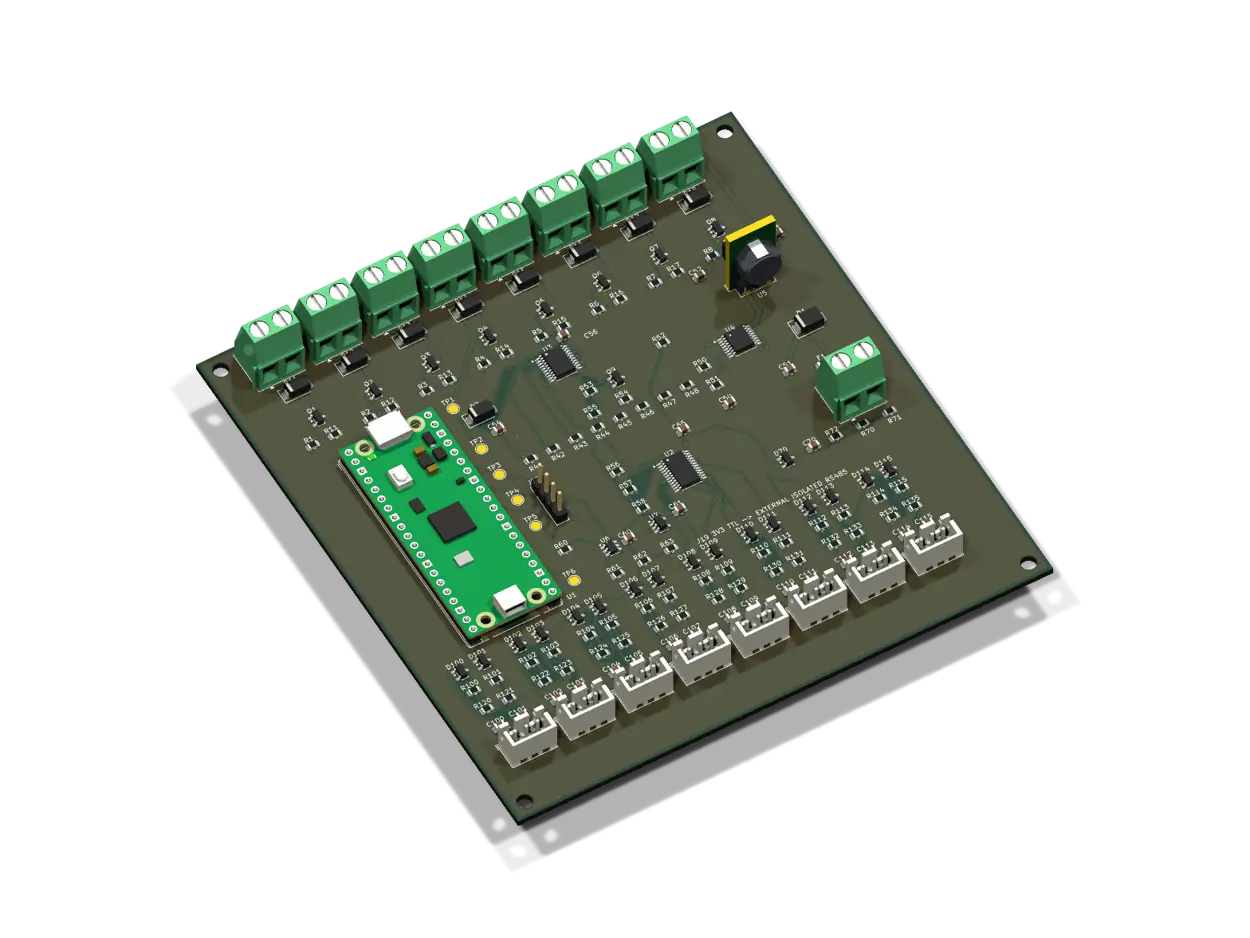
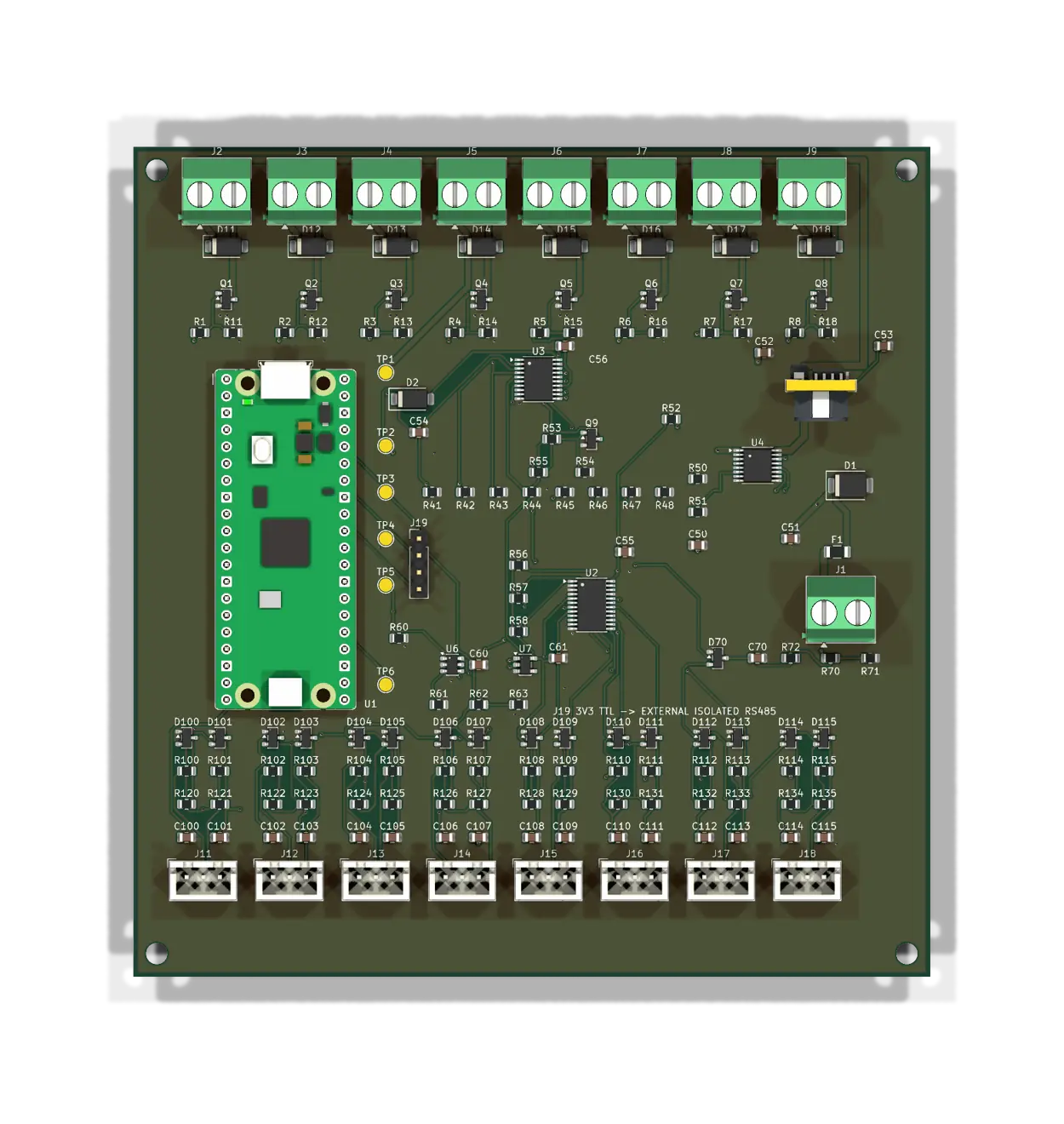
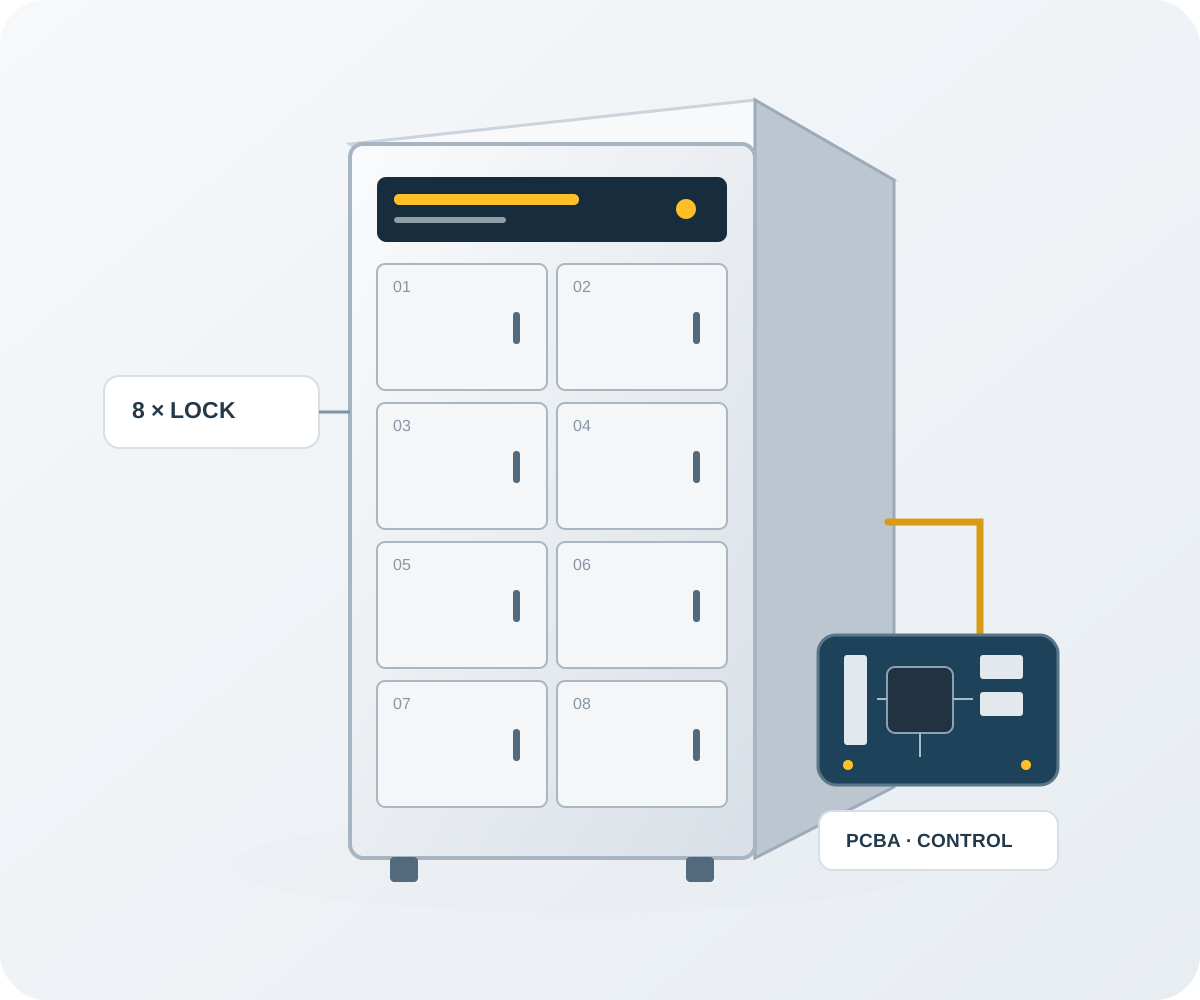
The control architecture uses eight lock channels and an external 24 V supply for indoor compartment cabinets. It separates lock actuation from the application workflow.
Sequential opening operates one lock at a time. Pulse timing coordinates the door-release sequence.
Separate contact inputs distinguish an open door from an unlatched lock and support exception handling.
Command identifiers, expiry checks and fault isolation help manage repeated or interrupted requests.
Keep the user, compartment, issue or collection operation and confirmation in a linked business record.
03
Select these integration options around your cabinet, sensors and business systems.
Choose an item-identification method for quantity confirmation and inventory reconciliation.
Integrate temperature sensors, expiry rules and alarm workflows for fresh-food applications.
Connect ERP, WMS or access systems; define payment-provider integration for retail workflows.
Use transaction and fault data to plan replenishment, identify abnormal usage and prioritize maintenance.
04
Share the application, compartment count, lock voltage and current, cabinet drawings, connected sensors, network arrangement and expected quantity. We will define the hardware, firmware and software scope together.